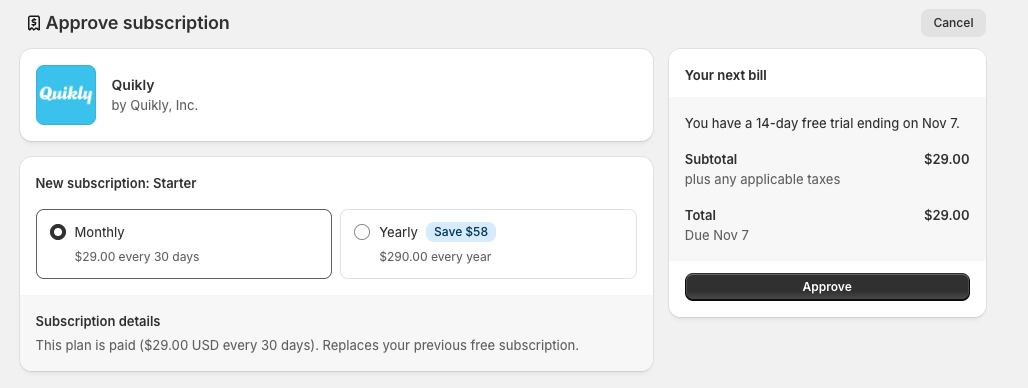
How to Upgrade Your Quikly Subscription
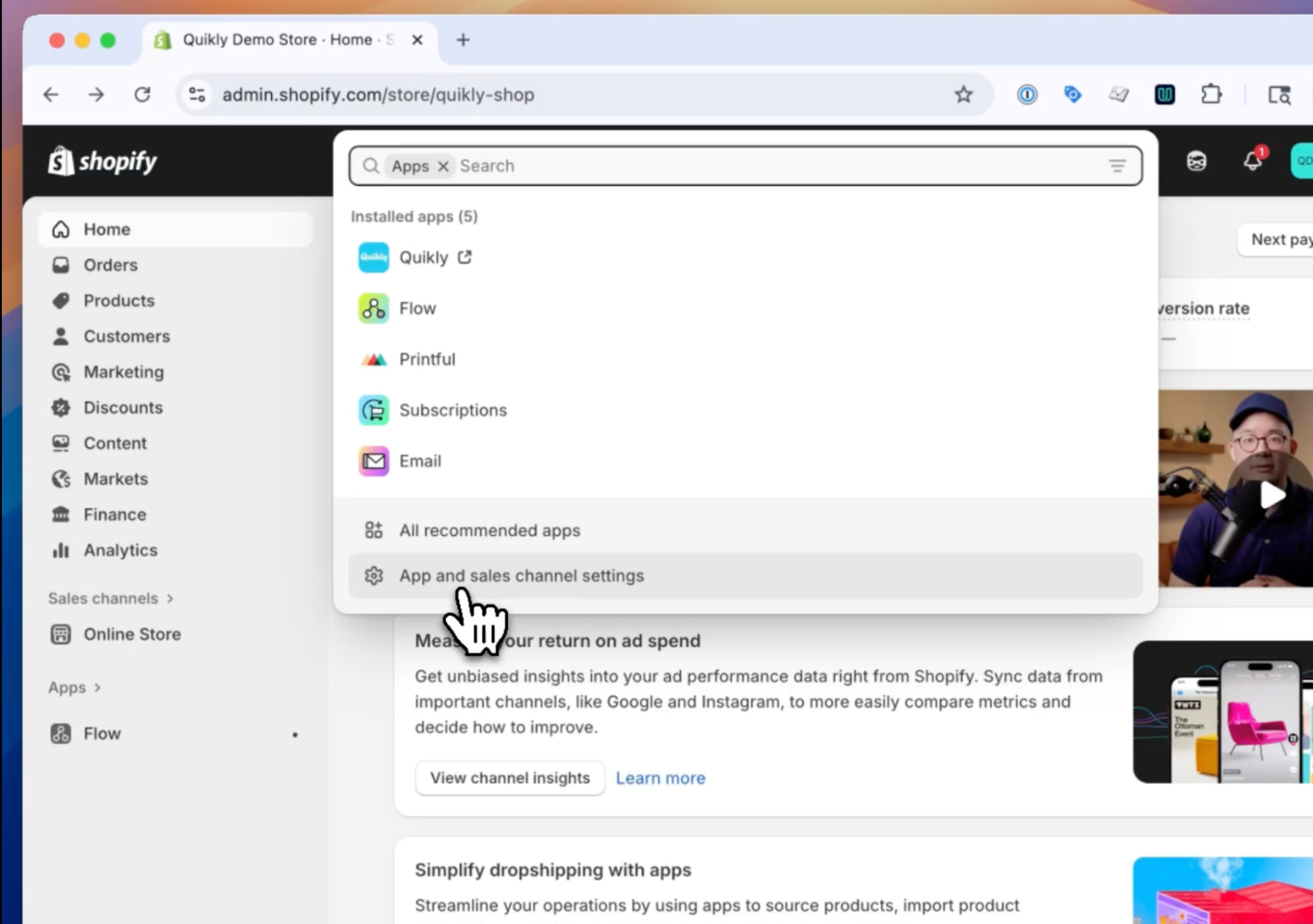
- From the Shopify Admin area, click on Apps, then select “App and sales channel settings”
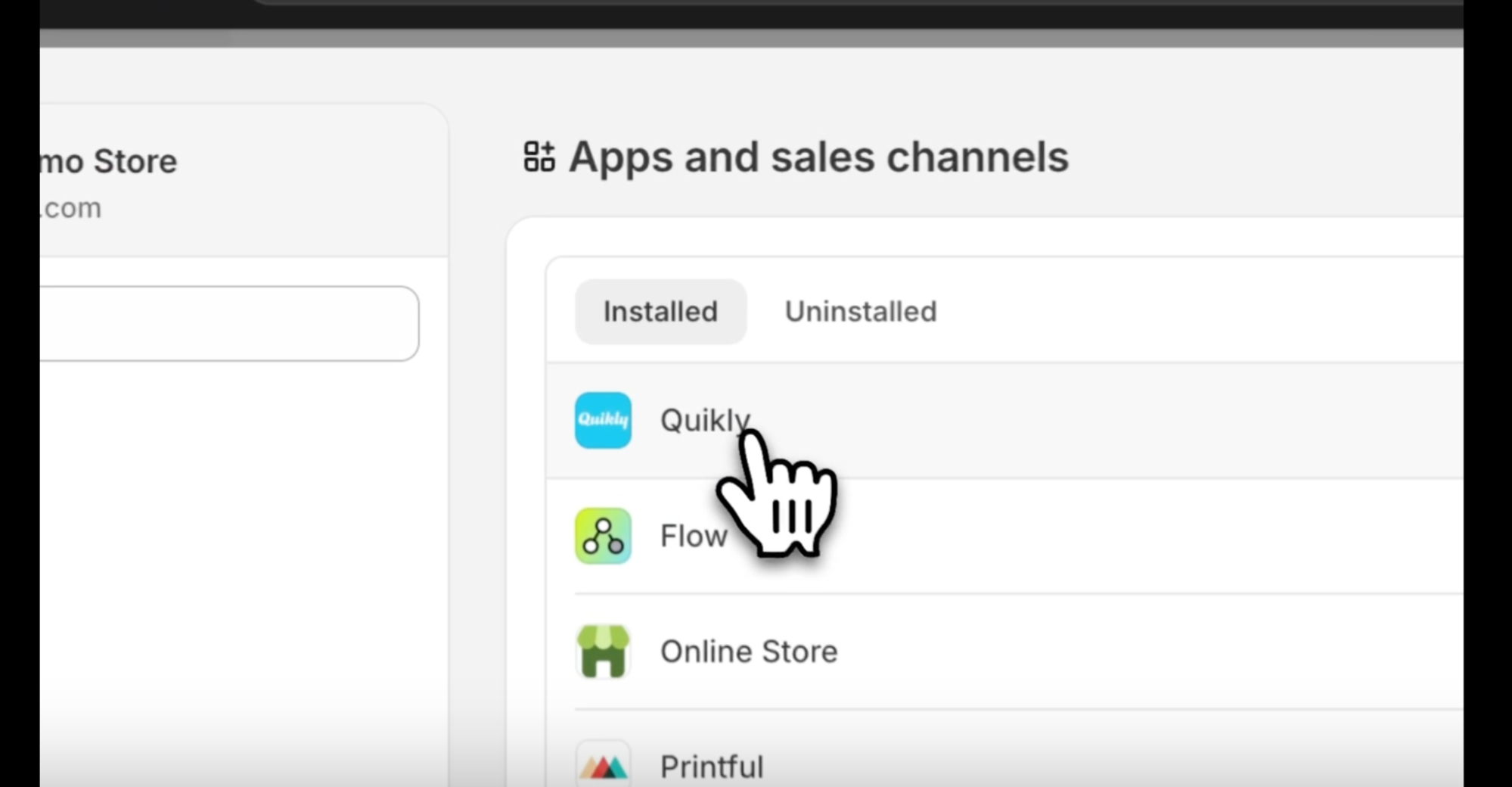
- Click on Quikly from the app list.
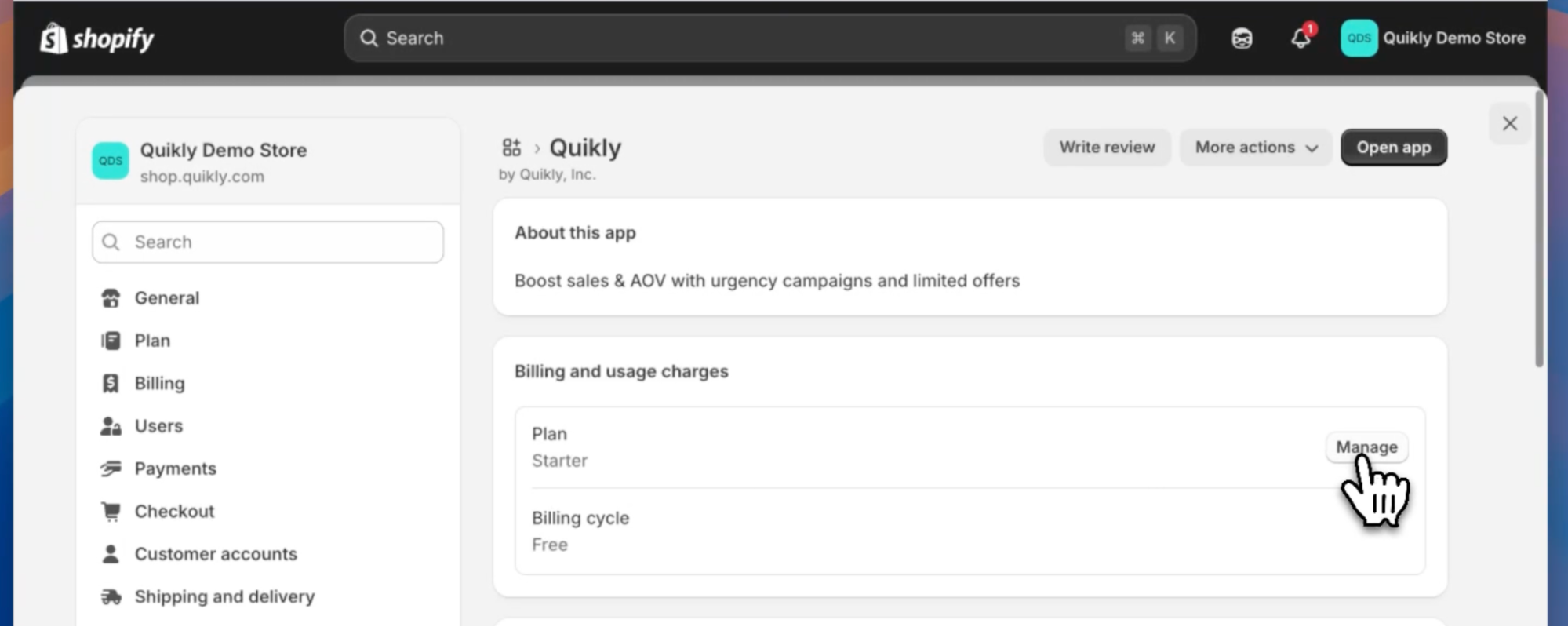
- Click “Manage” under Billing and usage charges
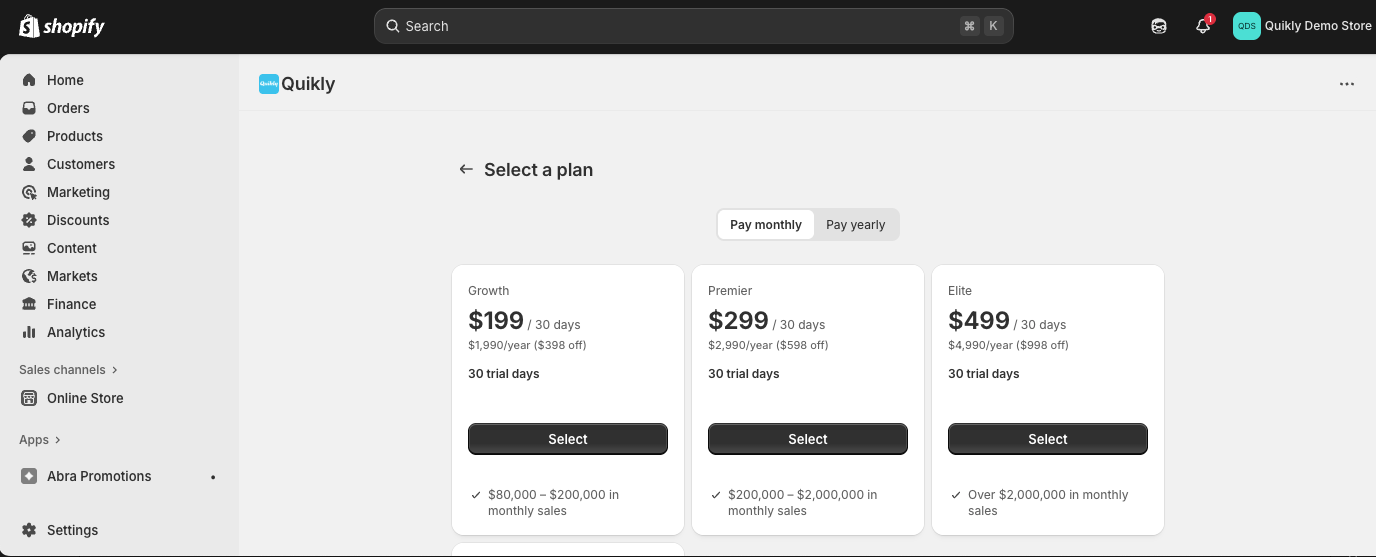
- Select the appropriate plan based on your store size, and choose monthly or yearly billing.
- Click “Approve” on the following page.