
The Assistant Just Got a Lot Smarter
If you’ve used the Ask the Assistant tile in your Help & Support area, you know it’s good at talking through campaign strategy and pulling numbers from your account. What it wasn’t great at, until today, was answering the practical “how do I…” questions — the kind where the answer is sitting in our docs and you just need it surfaced.
That changed this week. The Assistant now searches our full help center every time you ask a question, and grounds its answer in what it finds. When a doc is relevant, it’ll cite the page back to you so you can verify and read deeper.
Where to find it
Section titled “Where to find it”There are two ways into the Assistant from brand admin:
- Help & Support → Ask the Assistant — the dedicated chat surface, with room to have a longer back-and-forth
- The Assistant button in the header of your dashboard — for quick questions without leaving whatever screen you’re on
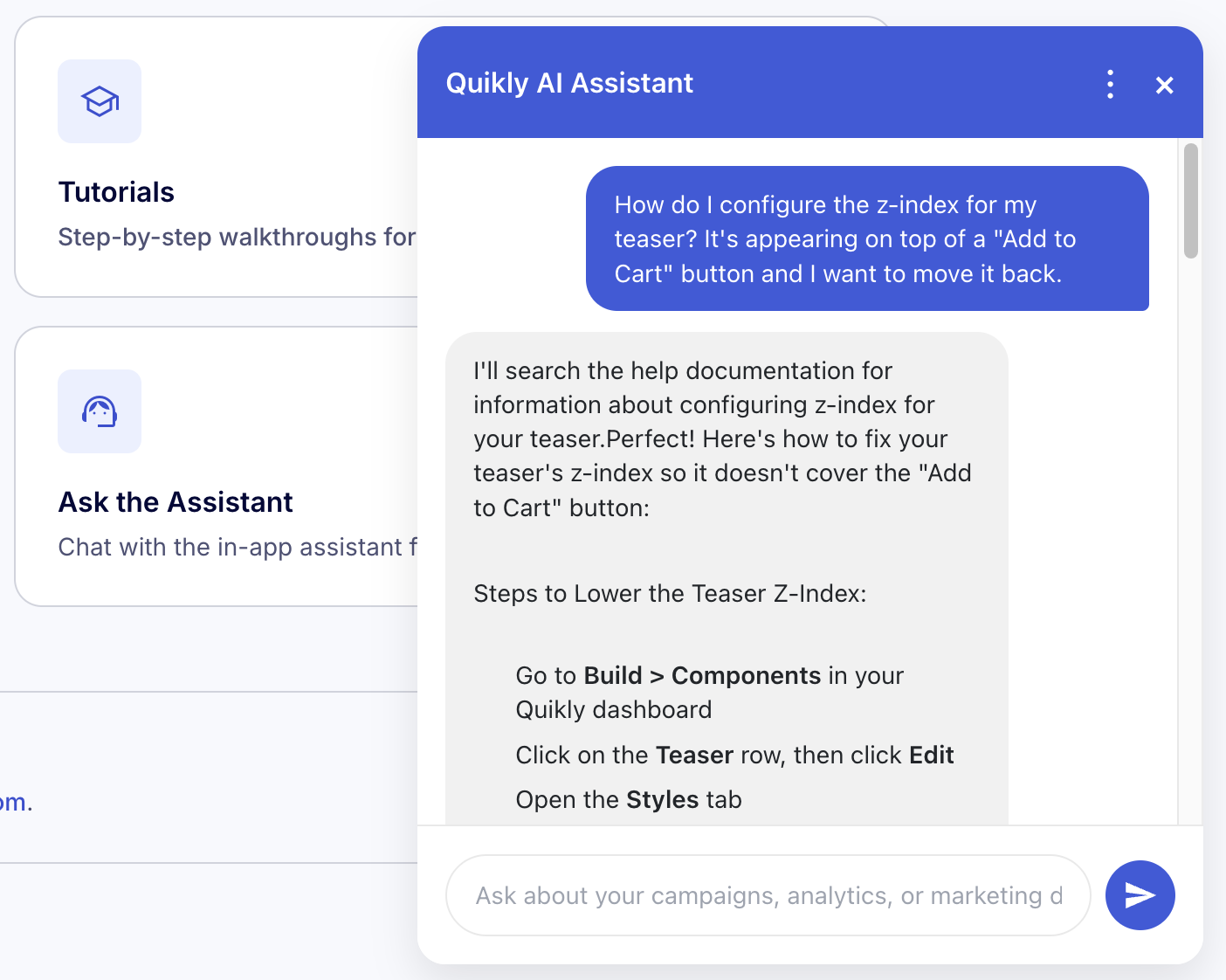
Try asking things like
Section titled “Try asking things like”- “How do I configure offer tiers in Shopify?”
- “How do I only show a campaign on one product page?”
- “What’s the difference between Quikly Drop, Hype, and Swap?”
- “How do I integrate Quikly with Klaviyo?”
- “What new features shipped in the last few months?”
The Assistant will pull the answer from the relevant doc — Shopify tutorials, integration guides, SDK references, product updates — and link you to the source.
What’s behind it
Section titled “What’s behind it”Every time we publish or update a doc on dev.quikly.com, the Assistant’s knowledge base updates automatically within seconds. No stale answers, no “we’ll update that later.” If a doc exists, the Assistant knows about it.
A note on accuracy
Section titled “A note on accuracy”The Assistant only answers from material we’ve written. If your question goes beyond what’s in our docs — or if it’s specific to your account in a way docs can’t address — you’ll still get a useful answer, but please follow the cited links to confirm specifics. And as always, your CSM and support@quikly.com are one click away when you need a human.
What’s next
Section titled “What’s next”We’re tracking which questions don’t yet have a great answer, so we can grow our docs where you actually need them. If you ask the Assistant something and the response feels thin, that’s a signal we’re listening for — keep asking.